

Lonestar Casino Registration, Login, and Verification Made Simple

Welcome to Lonestar Casino, a sweepstakes casino serving players across the United States. Registration gives you access to slot games, table games, and a Sweeps Coin prize model that lets you redeem winnings as cash prizes. Sign up in under two minutes, then log in each session to track your Gold Coin and Sweeps Coin balance and claim active bonuses. Account verification confirms your identity and clears the path for Sweeps Coin redemptions, on desktop or through the mobile app, backed by 24/7 support and a signup offer of 100,000 GC plus 2.5 SC with no purchase necessary, plus up to 500,000 GC, 105 SC, and 1,000 VIP Points on your first coin package.
How to Sign Up at Lonestar Casino
Account registration at Lonestar Casino takes a few minutes when you register online directly on the official website. Follow the steps below to finish your sign up and claim your welcome coins.
- Start your registration: Click “Sign Up” below to open the registration form.
- Enter your details: Provide your full name, email address, date of birth, and mobile number.
- Set your login credentials: Choose a username and password for your account login.
- Confirm your email: Open the verification link sent to your inbox to activate your account.
- Claim your welcome offer: Log in and collect 100,000 GC plus 2.5 SC in your balance.
Lonestar Casino Sign Up Through the Mobile App
App registration follows the same core steps as the website, with a form built for touchscreens. Open the app after installation and complete these steps to finish your Lonestar Casino sign up.
- Open the app and tap “Register,” or choose “Continue with Google” or “Continue with Facebook” for faster setup without typing a password.
- Enter your personal details: full name, date of birth, email, and phone number.
- Create your password. Set the credentials you will use for every future login.
- Verify your email or phone. Confirm the code sent to your device to activate the account.
- Start playing. Your 100,000 GC and 2.5 SC land in your balance right after activation.
Lonestar Casino Registration Requirements
Lonestar Casino registration is open to legal residents of the United States, excluding a small number of restricted states. Every player must meet the platform’s age and identity standards before the first coin package purchase. These rules protect the sweepstakes model and comply with US gambling regulations for social casino platforms. Review the list below before you start the sign up form.
- Minimum age of 18. You must be at least 18 years old to register an account.
- One account per person. Duplicate accounts under the same name, address, or payment method get suspended.
- Valid US address. You must reside in an eligible state and provide a physical address, not a P.O. box.
- Accurate personal information. Your name, date of birth, and email must match your government issued ID.
- Document verification. You must supply a valid photo ID and proof of address when requested.
Lonestar Casino Account Verification Process
Account verification confirms your identity before your first Sweeps Coin redemption. The check protects your balance from fraud and confirms each user meets the eligibility rules for United States sweepstakes play. Complete each stage inside your Lonestar Casino dashboard; no outside site is involved.
- Email confirmation. Click the activation link sent to your registered address.
- Phone verification. Enter the code sent by SMS to confirm your mobile number.
- Identity check. Upload a valid photo ID issued by the government, such as a driver’s license or passport.
- Address confirmation. Submit a utility bill or bank statement dated within the last 90 days.
- Redemption approval. Your documents get reviewed, and your account clears for Sweeps Coin redemptions.
Lonestar Casino Login and Sign In Steps
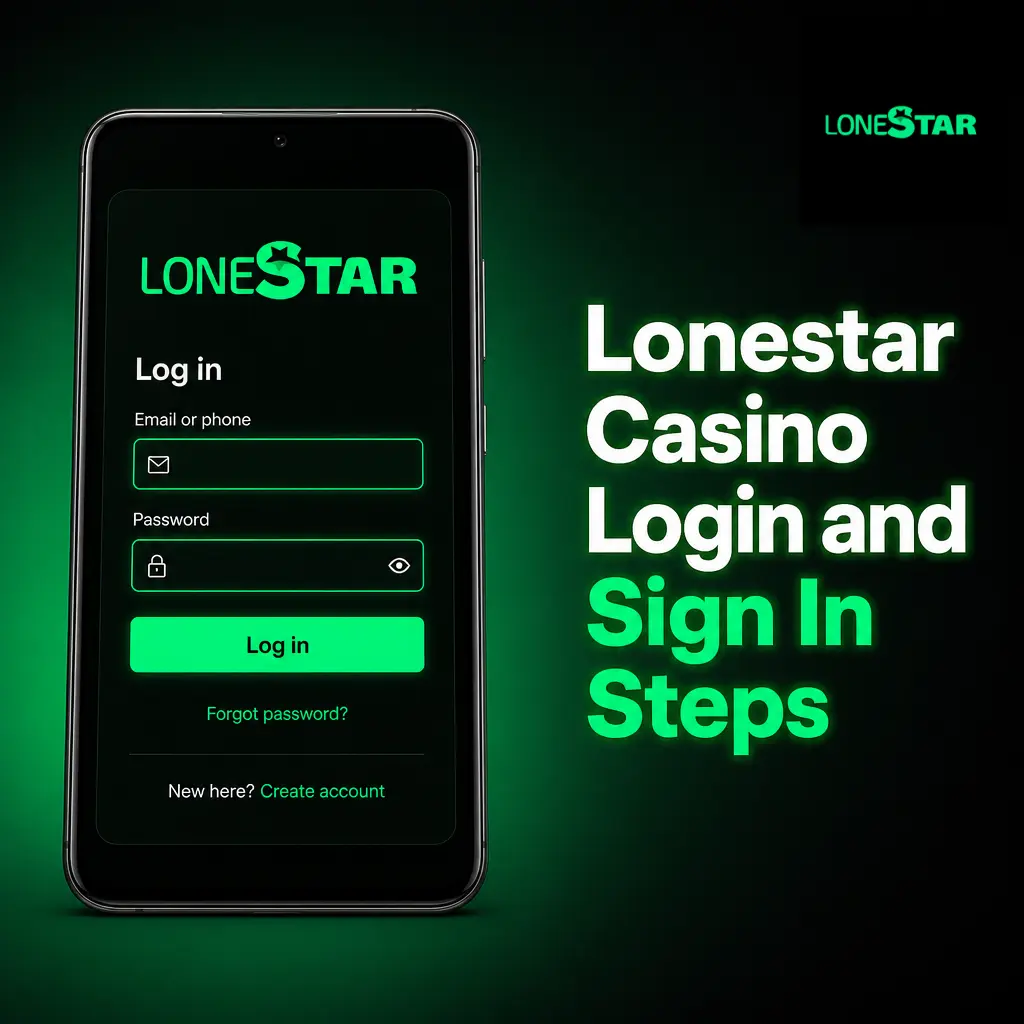
Your Lonestar Casino account login connects you to your coin balance, game history, and active bonuses. Access your account with the credentials or social login you set during registration.
- Click “Login” on the homepage. Open the login form from the header menu.
- Enter your email and password, or select “Continue with Google” or “Continue with Facebook” if you registered that way.
- Confirm your identity. Complete an additional verification step if prompted, using the code sent to your phone.
- Access your dashboard. View your Gold Coin and Sweeps Coin balance and resume play.
Your Lonestar Casino Welcome Bonus
Every new Lonestar Casino account receives 100,000 GC and 2.5 SC immediately after registration, with no purchase required. Your first coin package purchase then adds up to 500,000 GC, 105 SC, and 1,000 VIP Points to your balance. The table below breaks down each stage of the offer.
| Stage | Reward | Requirement |
|---|---|---|
| Signup bonus | 100,000 GC + 2.5 SC | No purchase necessary |
| First purchase bonus | Up to 500,000 GC + 105 SC + 1,000 VIP Points | Complete your first coin package purchase |
How to Claim Your Welcome Bonus
Your Lonestar Casino welcome offer needs two main steps after account activation.
- Register your account — Click “Sign up” below and complete the form with your personal details.
- Confirm your email — Activate your account through the link sent to your inbox.
- Collect your coins — Your 100,000 GC and 2.5 SC land in your balance automatically.
- Make your first purchase — Buy a coin package to add up to 500,000 GC, 105 SC, and 1,000 VIP Points.
Common Registration Issues and Solutions
Some users run into minor snags while completing registration at Lonestar Casino. Contact support for the fixes below.
- Problem: Verification email not received; Solution: check your spam folder or request a new link from the login page.
- Problem: Address rejected during signup; Solution: confirm your state is eligible and re-enter your address without a P.O. box.
- Problem: Duplicate account error; Solution: contact support to merge or close the older profile.
- Problem: ID upload fails; Solution: resubmit a clear photo in JPG or PNG format under 10 MB.
- Problem: SMS code not arriving; Solution: request a new code after 60 seconds or switch to email verification.
Lonestar Casino Password Recovery
A forgotten Lonestar Casino login password gets reset directly from the login screen.
- Click “Forgot Password” on the login form.
- Enter the email or phone number linked to your account.
- Choose a reset method: receive a link by email or a code by SMS.
- Set a new password with at least 8 characters, one number, and one symbol.
- Log in with your new password to resume play.
How to Delete Your Lonestar Casino Account
You can close your Lonestar Casino account for budget reasons, a break from play, or personal preference. Follow these steps to submit a deletion request.
- Contact support through live chat or email from your account dashboard.
- Request account closure and confirm your identity with your registered email.
- Redeem or forfeit any remaining Sweeps Coin balance before closure, per platform policy.
- Receive confirmation once your account is permanently closed.
FAQ
What currencies does Lonestar Casino use?
Lonestar Casino runs on two coins: Gold Coins (GC) for free play and Sweeps Coins (SC), which are redeemable for cash prizes.
What payment methods can I use to buy coin packages?
Lonestar Casino accepts Visa, Mastercard, and other major debit cards for coin package purchases; no deposit is required to activate the 100,000 GC and 2.5 SC signup bonus.
Which states are excluded from Lonestar Casino?
A small number of states restrict sweepstakes platforms. Check the eligibility notice on the registration page for the current list.
How long does Lonestar Casino verification take?
Email and phone verification complete within minutes. Document verification for Sweeps Coin redemptions is typically reviewed within 24 to 48 hours.
Can I play Lonestar Casino on mobile without downloading the app?
Yes. The mobile site runs the full game library through your browser. The app adds faster load times and push alerts for bonuses.